Single
10 credits · ≈ 1 video
$6.99
≈ $6.99 / video
- HD video, no watermark
- Download & post anywhere
- Credits never expire
- Failed renders are refunded
Upload one photo, pick a template and get an angry dance video for TikTok and Reels.
Upload a clear photo
Front-facing, well-lit photos with the face and upper body visible work best. Up to 10MB.
Pick an Angry Dance Filter template
Pick quality & length
This video: 10 credits · See pricing
By creating, you confirm you have permission to use this photo. Terms of Service
Failed videos are refunded to your credits.
What it is
The Angry Dance Filter is a viral trend from CapCut and TikTok: one still photo becomes a short clip of the person stomping, pointing and shrugging with exaggerated, frustrated energy. The joke is the contrast — a calm photo suddenly throws an angry dance.
Angry Dance Filter brings that effect to your browser. Upload a photo, pick an Angry Dance Filter template, and AI motion control moves your photo through the template’s choreography. There is no CapCut app to install, nothing to film and nothing to rehearse.
Angry Dance Filter templates
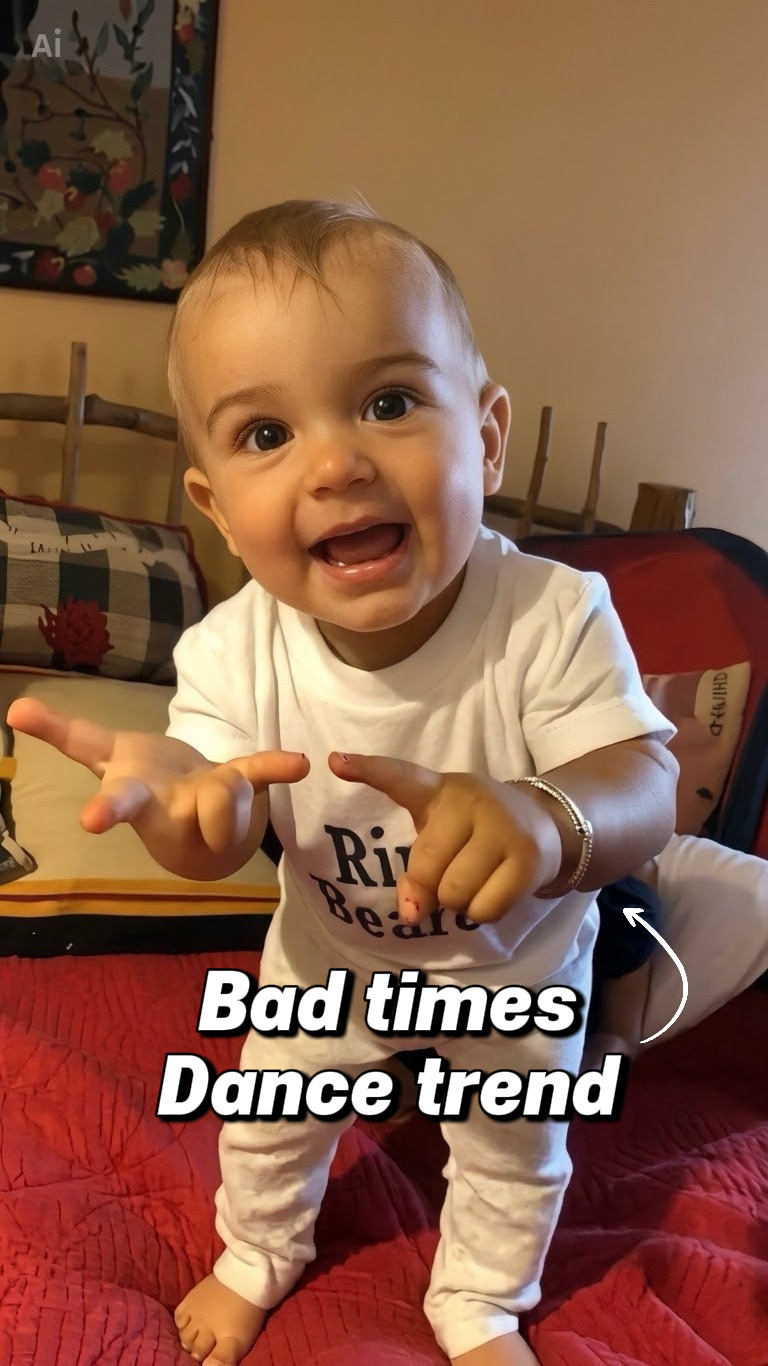
Same moves as the original Angry Dance Filter: the point, the open palms, the shrug. Put any face in the photo and it gets this exact dance.
Try an Angry Dance Filter template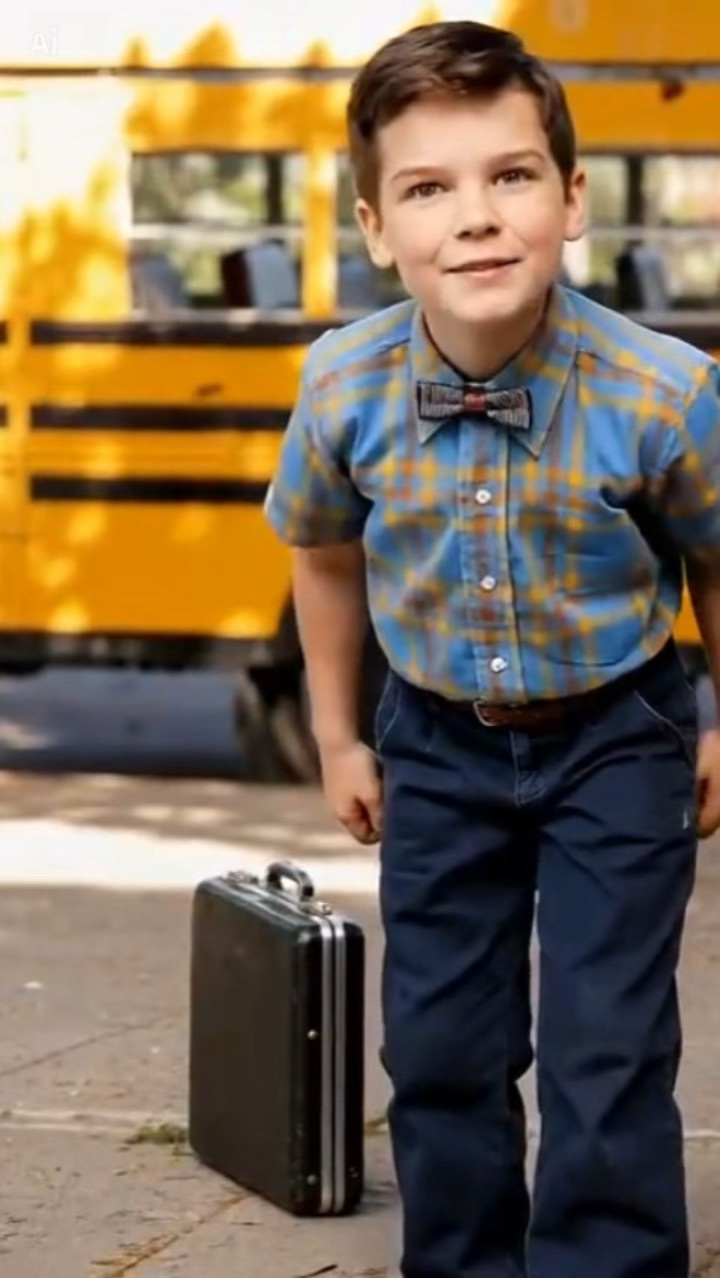
Karata’s Sheldon Bad Times template gives a well-known character a playful routine — a favorite format for meme edits.
Try an Angry Dance Filter template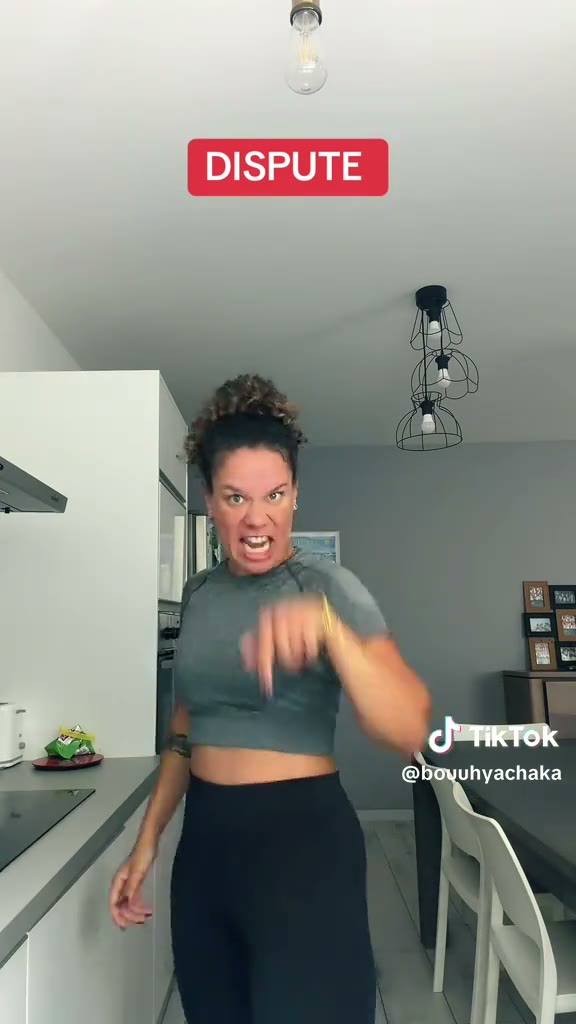
An adult woman takes on the trend with full attitude — the grown-up take on the Angry Dance Filter, made for real-person clips.
Try an Angry Dance Filter template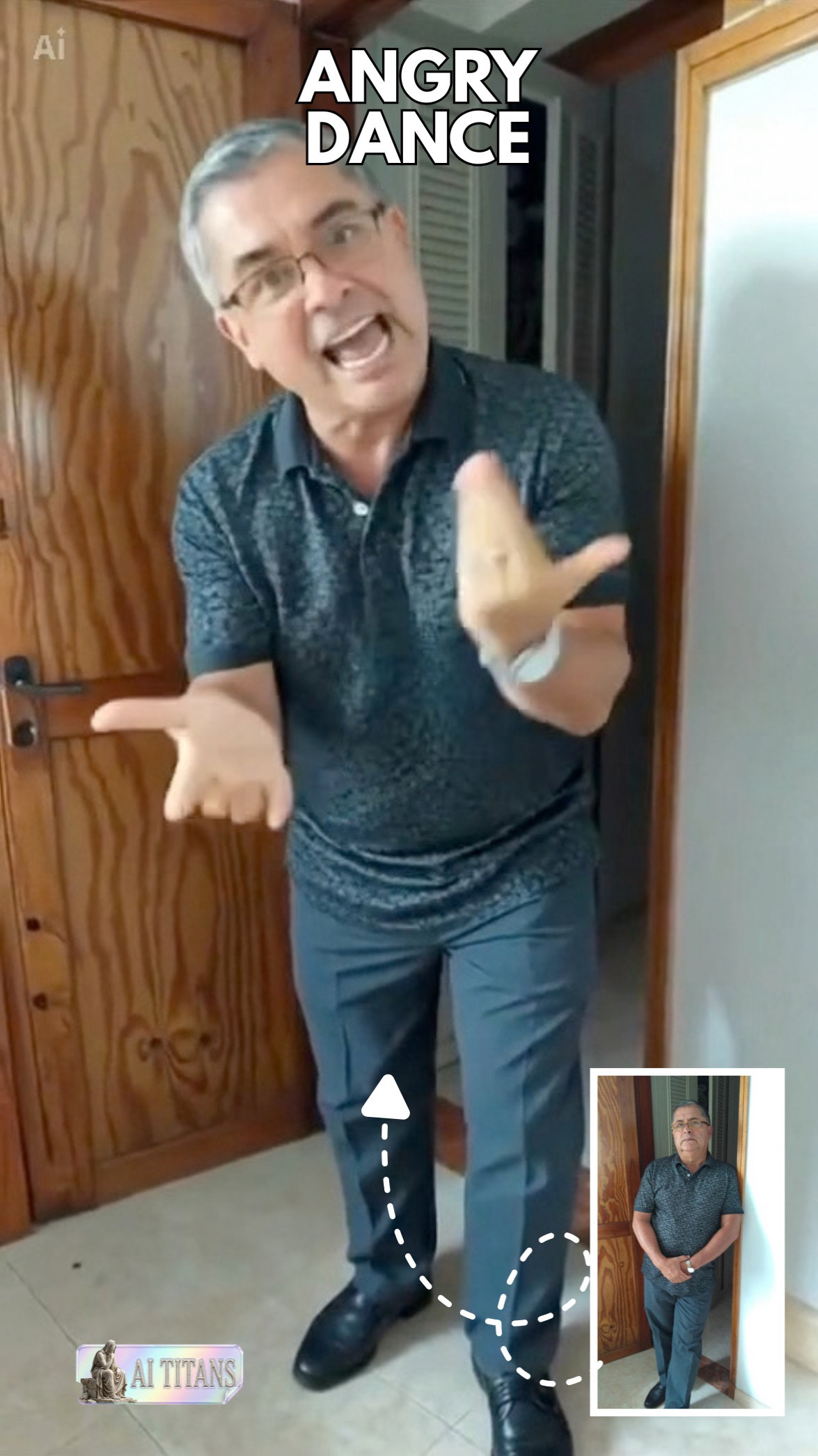
VCap’s doorway template turns finger-pointing, palms-out reactions and a shrug into an argument with the camera. This is the Angry Dance Filter template from CapCut.
Try an Angry Dance Filter templateHow it works
Use a well-lit, front-facing photo with the face and upper body visible. Full-body shots work too. Only use photos you have permission to use.
Choose the moves you want from the Angry Dance Filter templates: the original VCap dance, Sheldon or the grown-up version. The AI uses the template as a motion reference.
Check the credit cost, generate your clip, then preview it and download it for TikTok, Reels or Shorts.
The Angry Dance Filter
The original Angry Dance Filter template by VCap on CapCut pairs finger-pointing with open palms and an expressive shrug. Our AI uses it as a motion reference, so the person in your photo performs the same moves.
Why Angry Dance Filter
Photos of people work best. Clear, well-lit pictures with a visible face and body give the best result; pets and cartoon characters can work, but quality varies.
Choose a ready-made Angry Dance Filter template instead of describing the moves in words.
Everything runs on angrydance.video, on desktop or mobile, without installing an editor.
Post your Angry Dance Filter video with your own sound or a trending track, and tag it #angrydancefilter.
Find your Angry Dance Filter videos in My Creations and download them again whenever you need them.
The cost of each Angry Dance Filter video is shown before you generate, so there are no surprises.
Filming vs. the filter
| Filming it yourself | With Angry Dance Filter |
|---|---|
| Learn the choreography and rehearse | Pick an Angry Dance Filter template — the moves are already in it |
| Set up a camera, light and location | Start from one photo you already have |
| Reshoot every take that goes wrong | Generate again with another photo or template |
| Edit and export in another app | Download the clip and post it to TikTok or Reels |
Skip the setup
The angry dance filter copies the moves from a template, so you only need one clear photo — no rehearsal and no dance skills.
Skip the app and the editing timeline. Pick an Angry Dance Filter template, upload your photo and generate it in your browser.
Try the same photo with every Angry Dance Filter template — the original VCap dance, Sheldon or the grown-up version — and keep the one that fits your feed.
A standard angry dance video (720p, 15 seconds) is 10 credits. Shorter clips cost less and 1080p costs more. Pack credits never expire; plans refresh each billing period.
10 credits · ≈ 1 video
$6.99
≈ $6.99 / video
50 credits · ≈ 5 videos
$29
≈ $5.80 / video
350 credits · ≈ 35 videos
$99
≈ $2.83 / video
900 credits · ≈ 90 videos
$199
≈ $2.21 / video
3,000 credits · ≈ 300 videos
$499
≈ $1.66 / video
Basic: 10 standard videos a month for $29.90. The Crew Pack is 35 videos for $99, once.
100 credits / month · ≈ 10 videos
$29.90/mo
≈ $2.99 / video
300 credits / month · ≈ 30 videos
$49.90/mo
≈ $1.66 / video
800 credits / month · ≈ 80 videos
$99.90/mo
≈ $1.25 / video
Secure checkout by Stripe · Packs are one-time and never expire · Plans renew until canceled — cancel anytime in Billing
Credits per video by length and resolution. Every dance template costs the same, and failed videos are refunded.
| Length | 720p | 1080p |
|---|---|---|
| 5 seconds | 4 credits | 6 credits |
| 10 seconds | 7 credits | 11 credits |
| 15 seconds | 10 credits | 17 credits |
It is a viral CapCut and TikTok effect that turns one still photo into a short angry dance video — stomping, pointing and shrugging with exaggerated energy. Angry Dance Filter recreates it in your browser with AI.
Upload a clear photo, pick an Angry Dance Filter template and generate. The AI uses the template as a motion reference, then you preview and download the clip.
Each Angry Dance Filter video uses credits from a credit pack or plan. The exact cost is shown before you generate, and there are no free credits.
No. Angry Dance Filter works on the web, so there is no app to install. You can still post the finished Angry Dance Filter video to TikTok, Reels or Shorts.
A clear, well-lit, front-facing photo with the face and upper body visible. Full-body photos work well too. Pets and cartoon characters can work, but results vary.
No. They are previews by other creators, and each card links to its original. We use these clips as motion references; your result is your own photo performing the moves.
Yes. Completed Angry Dance Filter videos can be previewed and downloaded, and your history stays in My Creations.
Use your own photos or images you have permission to use, and follow the acceptable use policy. Angry Dance Filter is an independent tool and is not affiliated with CapCut or TikTok.
Upload one photo, pick a template and let the Angry Dance Filter do the stomping.
Make my angry dance video